Downloadable guide
The Medspa Inventory System
Build a medspa inventory routine around usable stock, appointment demand and lead times, with reorder examples and printable receiving and count worksheets.

What’s insideThe Medspa Inventory System
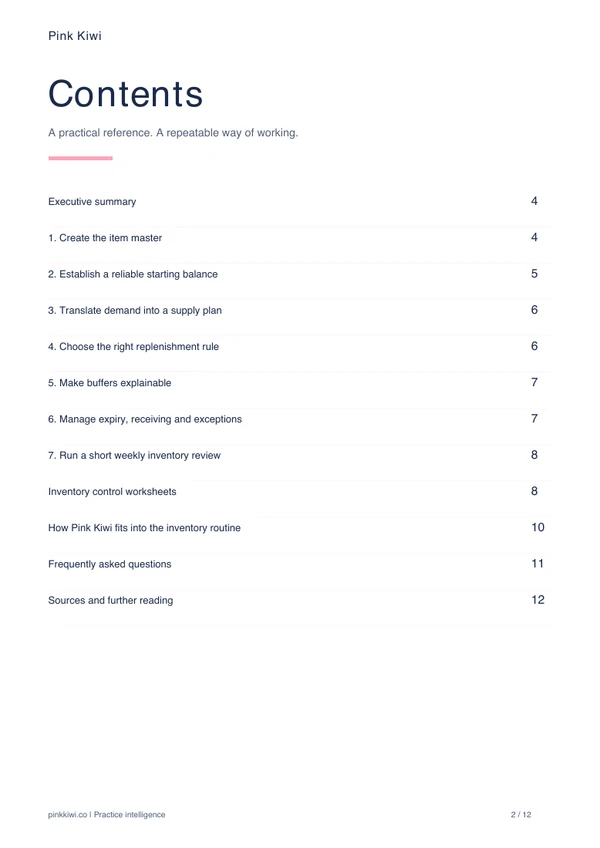
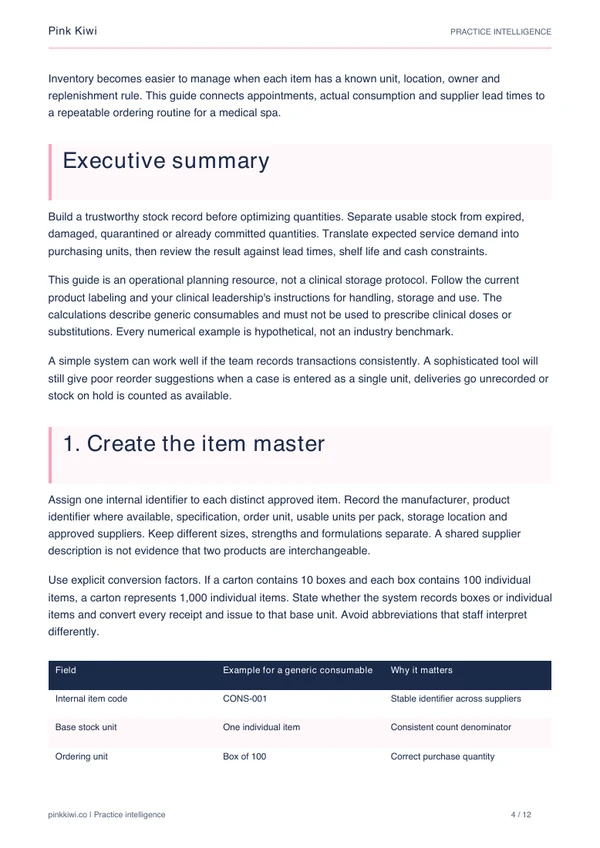
Trust the stock record
- Build an approved item master
- Verify base units and pack conversions
- Separate usable stock from holds
- Reconcile counts and transactions
Plan replenishment
- Translate demand into supply units
- Compare reorder points and periodic targets
- Include approval and receiving lead time
- Test buffers and pack rounding
Run the routine
- Review expiry and incoming deliveries
- Assign receiving and exception owners
- Track meaningful inventory measures
- Pilot the process over complete cycles

Connect your appointments with a repeatable inventory routine
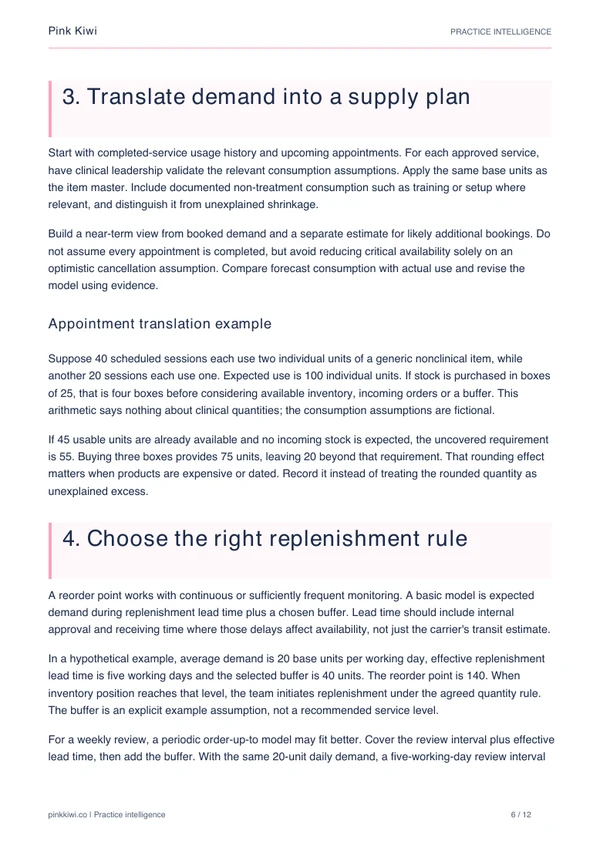
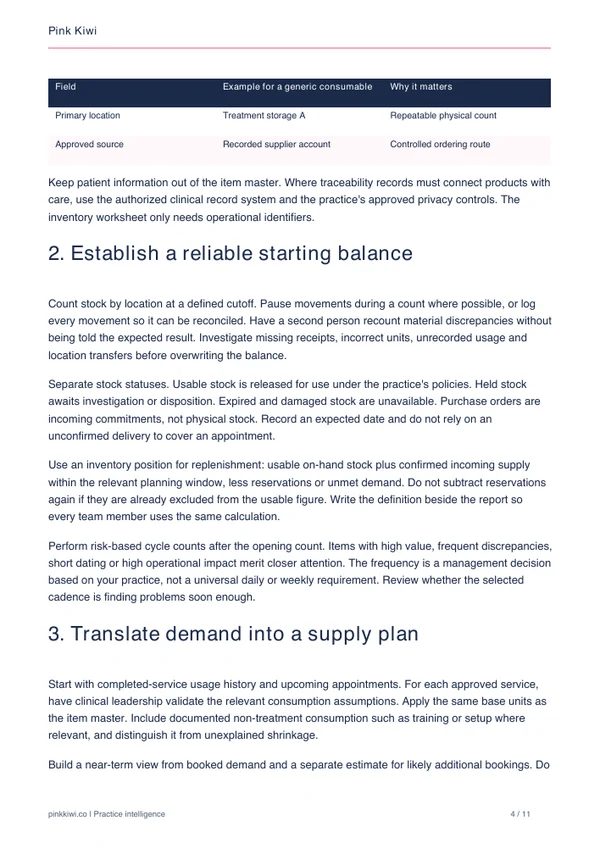
Medical spa inventory problems often begin with ordinary inconsistencies: a case recorded as one unit, a delivery left unentered or held stock counted as available. Ordering more does not resolve those errors. A reliable process starts with a shared item record and an accurate view of what can actually be used.
This guide connects item definitions, counts and upcoming demand with replenishment decisions. It explains the difference between a continuously monitored reorder point and a periodic order-up-to target, using transparent examples with generic consumables. It also addresses pack rounding, expiry exposure and changes in supplier lead times.
Start with one storage area and a manageable group of approved items. Confirm unit conversions, count usable stock and record incoming orders before calculating the next purchase. The companion worksheets help your team document replenishment rules, reconcile count differences and assign receiving responsibilities.
Who should read this guide?
Practice managers and purchasing teams responsible for stock counts, receiving and replenishment.
Designed for teams moving from memory-based ordering to a documented system that another staff member can follow.
Get the guideFrequently asked questions
A few practical answers before you download The Medspa Inventory System.
What is an inventory position?
It is usable on-hand stock plus relevant confirmed incoming stock, less reservations or unmet demand that have not already been deducted. Use a clear time window and avoid double counting.
How do I set a medspa reorder point?
Start with expected demand during effective replenishment lead time, then add a documented buffer. The guide distinguishes this continuously monitored approach from a periodic review target.
Does the guide specify clinical storage temperatures?
No. Storage, handling and disposition must follow the current product instructions and the practice's approved clinical procedures. The guide provides an operational workflow, not product-specific clinical directions.
What comes with the inventory guide?
The full report and a separate printable packet for item and replenishment rules, count reconciliation, receiving checks and exception follow-up.
Download the guide
Get your copy of The Medspa Inventory System and bring a practical, consistent approach to your next practice decision.
Download now